Free Seed Identification App
Compare free seed identification app options and learn which photo clues matter, common lookalikes, and the follow-up checks to trust an ID.
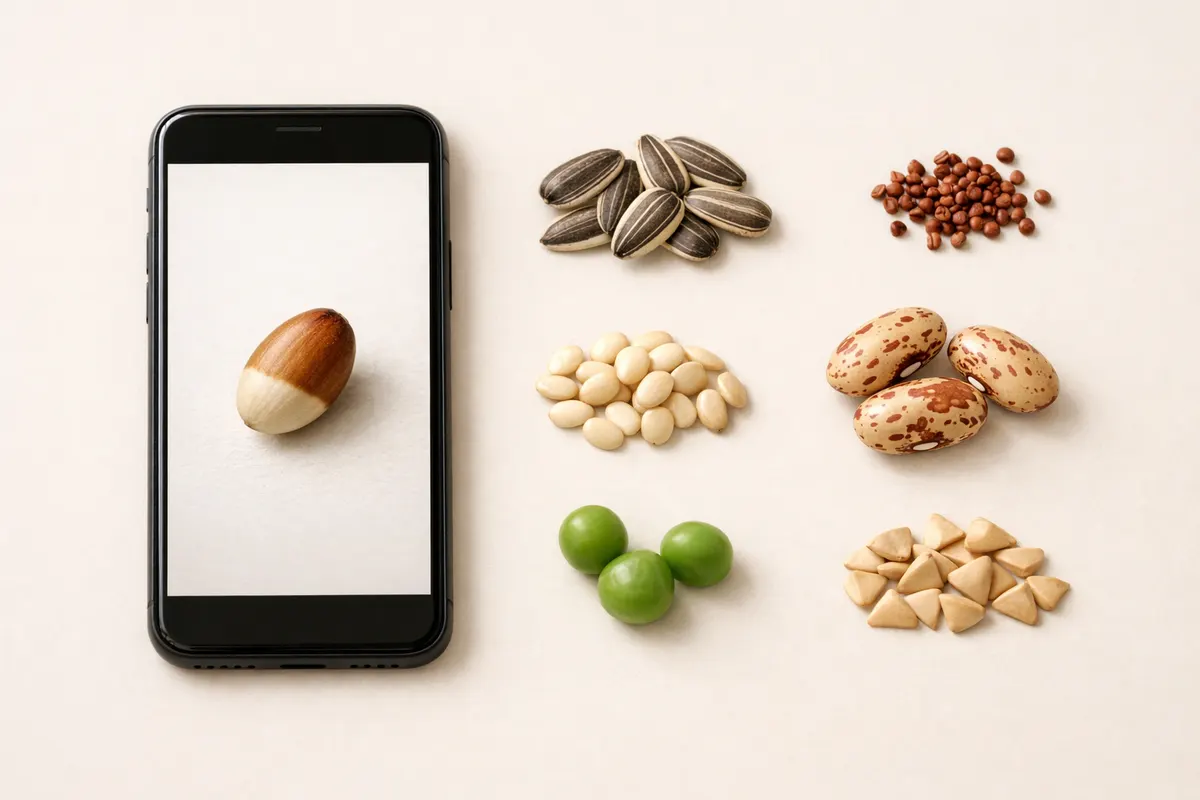
Who benefits from a free seed identification app
A free seed identification app is for anyone who regularly finds unknown seeds and needs a fast, evidence-led starting point. Think volunteers clearing trails, gardeners noticing new seedlings, foragers checking a single seed, or municipal staff documenting possible invasives. The key need isn’t absolute certainty; it’s a quick, photo-based shortlist that points you to the right follow-up checks.
Not every finder has lab access, a hand lens, or a herbarium reference on hand. In those cases a first-pass ID from a free seed identification app can speed decisions—like whether to bag a suspected invasive seed pod, photograph the parent plant, or measure the seed for later comparison. The app’s usefulness depends on the image and context you supply: a clear scale, multiple angles, and the pod or attachment point dramatically improve results.
Certain users see more value: land managers who prioritize early detection of invasive species, gardeners deciding whether to compost or quarantine seeds, and educators needing a rapid classroom example of seed diversity. For those tracking tree seeds, winged samaras (maple, ash) show different visual cues than flat or round flower seeds, so your expectations and images should match the seed type.
If you routinely work with flower or tree seeds, pair the app with targeted reference guides. For example, our flower seed photo guide helps interpret seed heads and shapes, and the maple seed post explains samara features that an app can spot when you include the wing and attachment point (see Flower Seed Identification by Photo: https://seedidentification.app/blog/flower-seed-identification-by-photo and Maple Seed Identification: https://seedidentification.app/blog/maple-seed-identification).
- Good fit: gardeners, land managers, educators, citizen scientists needing a fast shortlist.
- Not a replacement for lab ID: best used as a first pass paired with follow-up checks.
- High-value photos include scale, pod/attachment point, and multiple angles.
- Context matters: location, plant habit, and nearby foliage change likely matches.
Feature checklist: what to look for in a free seed identification app
Before you install or rely on a free seed identification app, check whether it helps you capture the right evidence. A useful free app guides photo quality (lighting, scale, background), accepts multiple images per specimen, and clearly states confidence levels for each match. These capabilities raise the chance the app’s suggestion will be actionable rather than misleading.
Useability features matter: look for step-by-step capture prompts (show the seed, the pod or fruit, and any attached stem), a way to attach location or habitat notes, and a visible confidence or similarity score. Community comments or expert verification options are helpful but not required for a first pass—what you need most is clarity about what the app actually matched and why.
Data transparency is another check. A good free seed identification app shows comparable reference images or the key visual features used for the match (size, surface texture, ridges/wings, and attachment points). That makes it easy to see why the app suggested a species and to judge whether the match is plausible given your local flora.
Finally, make sure the app’s free tier supports the workflow you need. Some apps gate multiple-image IDs, location tagging, or higher-resolution processing behind paid tiers. If fast field triage is your goal, pick a tool that gives you the basic identification flow—capture, candidate list, and next-step guidance—without forcing a subscription.
- Photo guidance: prompts for scale (ruler/coin), multiple angles, and pod context.
- Multiple-image support so you can include seed + pod + parent plant.
- Transparency: shows reference images and the visual features that drove the match.
- Clear confidence indicators and suggested next steps (measure, compare, quarantine).
- No mandatory paywall for a single quick ID; paid tiers can add verification or batch processing.
Free vs paid expectations for seed ID apps
Expectations should differ between free and paid seed identification services. A free seed identification app is often limited to quick visual pattern matching: surface texture, shape, and obvious attachment points. It can reliably separate broad categories—winged samaras versus round achenes, spiky burrs versus smooth bean-like seeds—but struggles with fine-grain species pairs that require measurements, microscopic hairs, or DNA.
Paid services or expert verification add value where free tools fall short. They may include high-resolution analysis, curated local species sets, human review by botanists, or tools to measure seed dimensions precisely. Those services make a difference when distinguishing close lookalikes—such as between similar brassica seeds or between native and invasive species that share surface texture but differ in size by fractions of a millimeter.
Photo limitations are the most common source of error. A single top-down shot on a patterned background can mask surface ridges or wings; poor lighting flattens texture; absence of the pod or attachment point removes a decisive clue. Even the best paid service can’t recover missing context. That’s why the practical workflow is: use a free seed identification app as a fast first pass, then move to paid verification or local experts only when the ID affects biosecurity, toxicity, or land management decisions.
Regional context influences whether a free app’s suggestion is actionable. An app might propose several candidate species; if one is a locally known invasive, prioritize follow-up. For detailed comparisons of seed shapes and common matches for garden flowers or tree seeds, supplement the app’s suggestion with targeted resources like our Flower Seed Identification Pictures and Maple Seed Identification guides.
- Free tier: quick visual matches, good for broad categories and immediate triage.
- Paid tier: higher-resolution analysis, human review, and precise measurements.
- Primary failure mode: missing context—no pod, no scale, or poor lighting.
- Best workflow: fast free ID → targeted photos/measurements → paid or expert check only when stakes are high.
Why Seed Identifier - Seedio is a fast first pass for seed photos
This article comes from the makers of Seed Identifier - Seedio and aims to be transparent about where our free tools fit in the workflow. For quick triage from a phone or desktop, Seedio offers a free AI seed identifier that returns candidate matches and shows the reference images used to suggest each match (try the free tool at https://seedidentification.app/tools/free-seed-identifier). That transparency helps you judge whether a suggested species is plausible given your photo.
Seedio’s core strength for first-pass users is speed and guidance. The tool encourages multiple images—seed, pod/attachment, and a contextual shot of the plant—so you get a candidate list built from the right clues: size, surface pattern, wing or ridge presence, and the attachment geometry. On iOS, the app experience is tuned for quick field capture and immediate comparison to visually similar seeds, which saves time compared with manually searching reference keys.
We do not claim certainty. Seedio labels matches with similarity scores and highlights the visual features used, so you can see whether the AI relied on a winged samara, a spurred attachment point, or a ridged coat. When a match points to a possible invasive or a species with management consequences, Seedio recommends concrete next steps: take a photo of the parent plant, measure the seed against a coin or ruler, and consult local extension or herbarium resources. For targeted identification of flower seeds or samaras, our reference posts are useful follow-ups (Flower Seed Identification Pictures: https://seedidentification.app/blog/flower-seed-identification-pictures).
If your goal is the fastest way to act on a discovery—bagging a suspicious pod, flagging a sapling, or documenting a spread—Seedio’s free identifier reduces time to first action. For high-stakes or legally sensitive confirmations, however, the app is a triage tool: follow up with microscopic examination, voucher specimens, or paid expert review as needed.
- Transparent results: similarity scores and reference images show why a candidate was suggested.
- Field-first design on iOS for quick multi-angle capture and immediate feedback.
- Free tool available for a fast first pass; paid verification when stakes require it.
- Recommended next steps built into the workflow: measure, photograph pod/plant, consult experts.
Related guides
Try Seed Identifier - Seedio for a fast first pass
Get a fast, evidence-based first pass on unknown seeds with Seed Identifier - Seedio. Use the free AI seed identifier to submit multiple photos (seed, pod, and plant context) and receive clear candidate matches with similarity scores and reference images to review. Seedio is designed to speed field triage on iOS and guide your next steps—measure, document, or consult—so you can act quickly when a potential invasive or management concern appears. Start now at https://seedidentification.app/ and follow the app’s photo prompts to capture the clues that matter.


Frequently asked questions
How accurate is a free seed identification app from a single photo?
A single photo can be accurate for broad categories (winged vs. round, spiky vs. smooth) but often insufficient for species-level certainty. Accuracy depends on image quality and context: include a scale, the pod or attachment point, and a photo of the parent plant when possible. Free apps provide helpful candidate lists and similarity scores, but treat the result as a starting point rather than a final determination—use it to decide whether to measure, collect a voucher, or consult an expert.
What photos give the best chance of a correct ID?
Capture three views when you can: (1) the seed close-up on a plain background with a scale (coin or ruler), (2) the pod or fruit showing how the seed attaches, and (3) the plant or seed head in context. Good lighting and neutral background reveal surface texture and ridges. A single image that lacks scale, pod context, or that’s out of focus will reduce reliability regardless of the app.
Can a free app tell if a seed is invasive or toxic?
A free app can flag candidates that include known invasives or species associated with toxicity, but it cannot certify those traits. Use the app’s suggestion as an alert: if an invasive species is among the top matches, treat the specimen as potentially significant, document it with better photos and location notes, and follow local reporting protocols or consult extension services. Never rely on a photo-only ID for legal or safety-critical decisions.
After the app suggests possible species, what should I do next?
Follow a short verification checklist: take additional photos (scale, pod, parent plant), measure seed dimensions precisely if possible, compare with high-quality reference photos or region-specific guides, and if necessary send photos and a small voucher to a local herbarium or paid verification service. If the seed could indicate an invasive species or biosecurity risk, prioritize reporting to local authorities and bagging the specimen to prevent spread.